

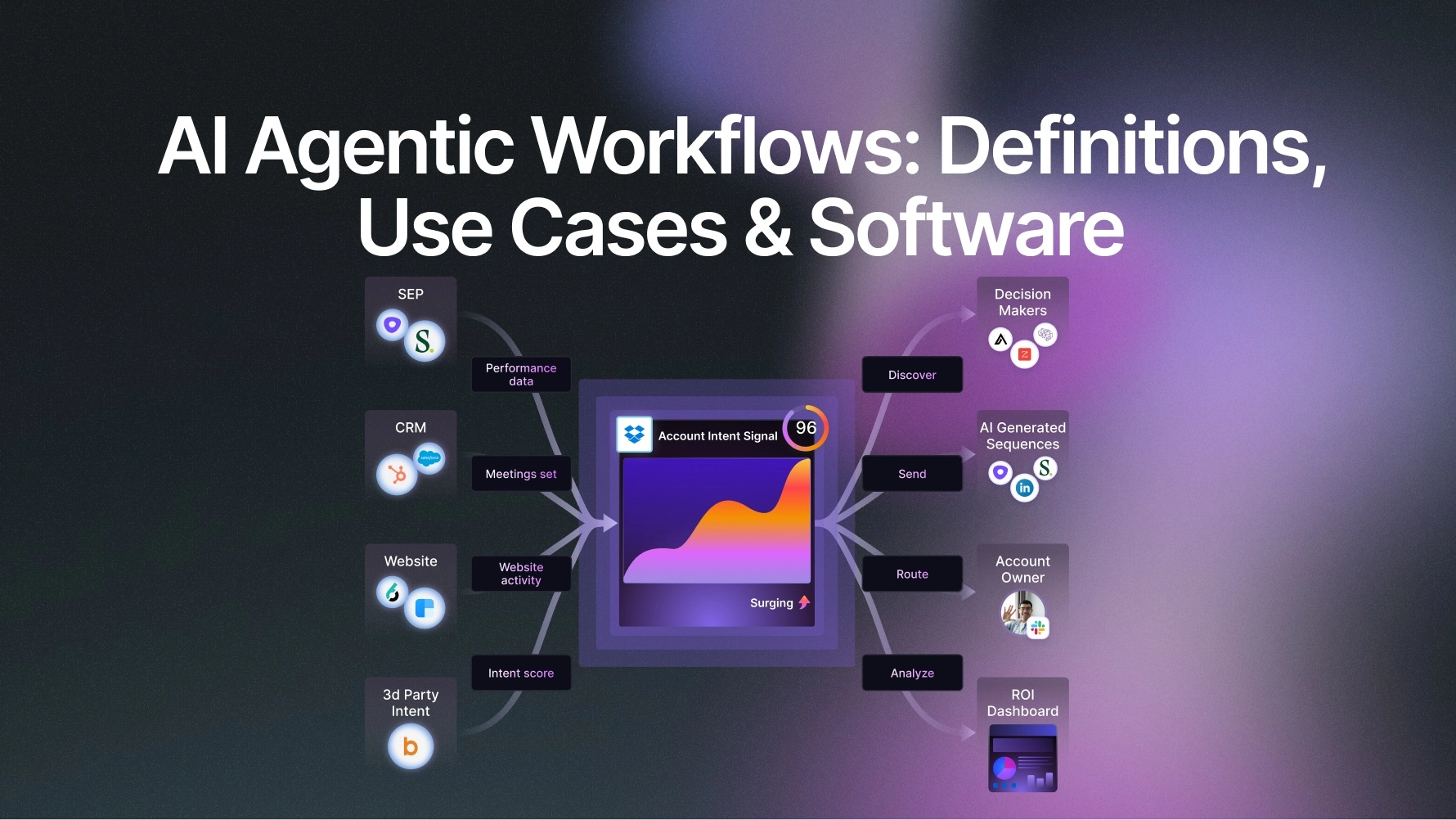
Testing teams across the industry are under constant pressure to ship faster, doing so with fewer resources and tighter deadlines. While most QA teams understand their work well, they often lack the time to create, maintain, and scale automated tests. This leads to longer test cycles, repeated delays, and slower releases.
To handle these challenges, teams are now turning to top AI agents for QA testing. These agents can generate tests, run them in pipelines, detect issues, and even adjust tests when applications change.
What Are AI Agents In Software QA?
AI agents in software QA are autonomous programs that handle the software testing cycle, including planning, test creation, execution, and updates, by learning from application data and test results.
These agents are built on large language models or other machine learning systems. They understand the context of what they are testing. They can read error messages, look at UI elements, check API responses, and compare expected results with actual output.
How AI Agents Fit into QA Workflows
Here are the main ways AI agents fit into QA workflows:
- Test Generation from Requirements: AI agents can read product requirements, user stories, or feature descriptions and generate test cases automatically. Teams no longer have to spend hours writing test scripts for every new feature.
- Self-Healing Test Maintenance: When the UI changes, traditional tests break and someone has to fix them manually. AI agents can detect that a locator has changed, figure out where the element moved, and update the test on their own, without any human input.
- Bug Detection and Reporting: AI agents do not just say a test failed. They explain what happened, what the expected behavior was, what the actual behavior was, and in some cases, they point to the part of the code that likely caused the issue.
- Visual Regression Testing: Some agents compare screenshots of your app across different builds and flag visual differences. They can tell the difference between a meaningful visual change and something that does not affect the user experience.
- Exploratory Testing: Instead of following a test script, certain AI agents explore the app on their own, clicking around, filling forms, and looking for unexpected behavior. This mimics what a skilled QA engineer does during exploratory testing sessions.
Why Compare AI Agents for Automated QA
The following are the reasons why comparing AI agents before choosing one matters:
- Different Agents Suit Different Team Sizes: A small startup with two developers has very different needs from a large enterprise with hundreds of engineers. Some AI agents are built for quick, lightweight use, while others come with complex setup requirements and are built for scale. Picking the wrong one leads to wasted time and money.
- Test Coverage Varies Widely: Not every AI agent handles all types of testing. Some work well for UI testing but perform poorly with API testing. Others support mobile apps but struggle with complex web applications. If you do not compare options, you may end up with gaps in your QA coverage.
- Integration Capabilities Differ: Your team already uses a set of tools: a bug tracker, a CI/CD platform, a code repository. Not every AI agent connects easily with all of these. A comparison helps you find the one that fits into your existing setup without a lot of extra work.
- Accuracy and False Positives Matter: An AI agent that reports too many false positives wastes the team’s time, while one that misses real bugs fails its purpose. It is important to compare agents based on their accuracy, especially in environments similar to yours, before making a decision.
Types of AI Agents Used in QA
Below are the key types of AI agents used in software QA:
- Simple Reflex Agents: These agents make decisions based on the current situation without considering past experiences. They react to inputs using predefined rules, which makes them suitable for straightforward and rule-based testing scenarios.
- Model-based reflex agents: These agents differ from simple reflex agents because they maintain an internal model of the environment. They consider current conditions along with historical data to make better decisions.
- Goal-based agents: These agents are built to reach specific goals. They select actions by considering the desired outcome and comparing different choices to find the best option.
- Utility-Based Agents: These agents extend decision-making by comparing multiple possible actions and selecting the one that provides the highest value. They use a utility function to assess outcomes and pick the most beneficial path during testing.
- Learning agents: These agents improve their decision-making by learning from past experiences. They adjust their behavior over time based on feedback from previous actions.
Top AI Agents for Automated QA Workflows
The following are the well-known AI agents used in QA:
- KaneAI by TestMu AI (Formerly LambdaTest): It is a GenAI-native testing agent that lets teams plan, write, and update tests using simple natural language. Instead of writing long scripts or learning complex tools, teams can describe what they want to test in plain English, and KaneAI turns that into working test cases. This makes it easier for both technical and non-technical team members to take part in testing. KaneAI works closely with TestMu AI products, covering test planning, execution, orchestration, and reporting in one connected flow.
TestMu AI is the world’s first full-stack AI Agentic Quality Engineering platform with a full-stack testing cloud with 10K+ real devices and 3,000+ browsers, AI-native test management, MCP servers, and agent-based automation, supporting frameworks like Selenium for web and Selenium mobile testing, along with Appium, Playwright, and other major automation testing tools.
- Devin: Devin is an intelligent AI tool that supports engineering teams in managing tasks and increasing productivity. It understands natural language and can handle work such as code refactoring, data analysis, and software development. It fits into existing workflows and takes care of complex and repetitive tasks so that engineers can focus on more important work.
- CrewAI: CrewAI is a framework used to build collaborative multi-agent AI systems that handle complex tasks through coordination. It lets users assign roles, responsibilities, and workflows to different agents that work together as a team. It is used for task-based automation and helps businesses create agent teams for research, planning, analysis, and execution.
- AutoGen: AutoGen is an AI framework built by Microsoft for constructing scalable, event-driven multi-agent applications. It gives developers the ability to create, orchestrate, and manage multiple AI agents through a modular API stack. With support for asynchronous messaging, conversational workflows, third-party integrations, and no-code tools, AutoGen accelerates the development of collaborative agentic systems for complex tasks and acts as a foundation for building some of the most capable AI agents in production at this moment.
Limitations of AI Agents in QA
Here are some limitations to keep in mind:
- They Can Miss Complex Business Logic: AI agents are good at testing what they can observe, like UI interactions and API responses, but they often miss subtle business logic bugs. If a calculation is wrong in a way that only an expert in the domain would catch, the agent is unlikely to flag it unless it was specifically told to check for it.
- False Positives Can Slow Teams Down: Some agents flag things that are not actually bugs. If the team gets too many false positives, they start to distrust the agent’s output and stop acting on its reports. This defeats the purpose of automation.
- Setup and Configuration Take Time: Getting an AI agent running in your specific environment is not always easy. It often requires configuration, integration work, and a period of training or calibration before the agent performs well on your actual application.
- They Depend on Good Test Data: AI agents testing forms, APIs, and user flows need realistic test data to work with. If the test environment has poor data or data that does not reflect real-world usage, the agent’s tests will not catch the bugs that matter.
- Limited Understanding of User Intent: An AI agent can check whether a button works, but it cannot easily tell whether the experience of using the app is actually good. It does not understand frustration, confusion, or whether the app makes sense from a human point of view.
Best Practices for Using AI Agents in QA Workflows
Here are the best practices to follow when bringing AI agents into your QA process:
- Start with a Small Scope: Do not try to automate everything at once. Pick one part of your application, one type of testing, or one workflow, and get the agent working well there before expanding. This reduces risk and helps the team build confidence in the agent’s output.
- Version Control Your Test Assets: Any test code or test configuration generated by an AI agent should be stored in version control alongside your application code. This makes it traceable, reviewable, and recoverable if something goes wrong.
- Calibrate the Agent on Your App: Spend time training or calibrating the agent on the specific behaviors of your application. An out-of-the-box agent will not know your product’s specifics. The more context you give it, the more accurate and useful its output becomes.
- Combine AI Agents with Manual Testing: AI agents are not a full replacement for human testers. They miss things that people catch naturally. A good QA process uses agents to handle the repetitive, high-volume work and reserves human attention for exploratory testing, usability judgment, and edge cases that require real-world reasoning.
- Track Metrics and Measure Impact: Set up clear metrics before you bring in an AI agent. Track things like the number of bugs found, the time to run the test suite, the rate of false positives, and the time QA engineers spend on manual work. This tells you whether the agent is actually making things better.
Conclusion
AI testing agents are already being used in real production environments, helping teams reduce testing time, lower manual effort, and get faster insights into software quality. As applications grow more complex and release cycles become shorter, relying only on traditional testing methods is no longer enough.
The focus now is on choosing the right solution that fits your workflow and supports faster testing without losing control. For example, KaneAI by TestMu AI gives QA teams a complete path from requirements to automation using natural language, without the need to write test code. This makes it easier to scale testing while keeping the process simple and efficient.
