

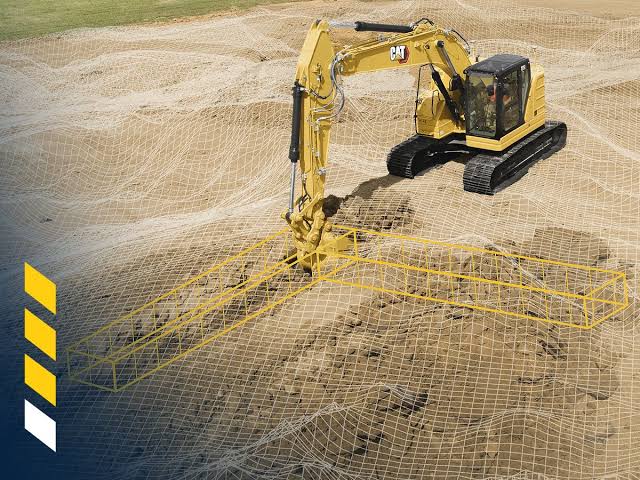
A machine can only work as effectively as its operator can control it. On a busy construction site, a control must respond predictably through long shifts and changing weather. Choosing the right components helps you give operators dependable equipment while reducing avoidable disruption throughout the machine’s working life.
Why operator controls matter in construction equipment
Every movement an operator makes depends on an interface that translates an input into a machine action. A clear, responsive control helps the operator position a bucket accurately, adjust travel speed or stop an attachment without unnecessary delay.
These interactions also affect productivity. If a button requires excessive force or a joystick responds inconsistently, the operator may work more slowly or make repeated corrections. Small problems become significant when they occur hundreds of times during a shift.
Teams should evaluate each control according to the task, how frequently operators use it and the consequences if it fails.
Durability in harsh working conditions
Construction sites expose components to conditions that office or light-duty equipment never encounters. Dust can enter poorly sealed housings, while rain, mud and pressure washing introduce moisture. Repeated vibration may loosen connections, and temperature swings can affect materials and electrical performance.
Match component specifications to the actual operating environment rather than relying on general-purpose ratings. For example, an excavator that works around demolition debris needs controls that resist dust and vibration, while equipment used outdoors throughout winter also requires materials and seals suited to low temperatures.
Choosing controls that support safe operation
Operators need to identify and use functions quickly, particularly when several controls sit within easy reach. Shape, position, resistance and labeling can help distinguish one input from another without demanding prolonged visual attention.
When specifying pushbuttons, joysticks, rotary controls and other components such as switches, consider how operators will use them while wearing gloves or while the cab moves over uneven ground. A control with clear tactile feedback can confirm an input through feel, which reduces the need for the operator to look away from the work area.
Frequently used functions should be within comfortable reach, and controls that could cause hazardous movement if an operator activates them accidentally should be separated.
Improving efficiency through better interface design
An intuitive layout reduces the mental effort required to operate a machine. If related functions occupy logical positions and controls respond consistently, experienced operators can build muscle memory while newer users can learn the equipment more quickly.
Engineers should test interface layouts with representative operators before finalizing the design. It’s best to ask them to complete realistic tasks, then note where they hesitate, reach awkwardly or select the wrong input. Those observations can reveal usability problems that drawings and specifications may not show.
Planning for long-term equipment reliability
Control selection also influences servicing costs years after a machine enters operation. Components with suitable electrical ratings, durable connectors and consistent availability make repairs easier and reduce the risk that a minor failure keeps valuable equipment idle.
Consider expected service life and replacement procedures alongside initial price. A cheaper component offers little saving if technicians must replace it frequently or dismantle a large section of the console to reach it.
Reliable interfaces come from matching each component to its workload, environment and operator. Deciding carefully helps machinery remain predictable and productive in the demanding conditions construction work creates.
